What the client sees
- Your studio first: your logo or name at the top, your terms at the bottom.
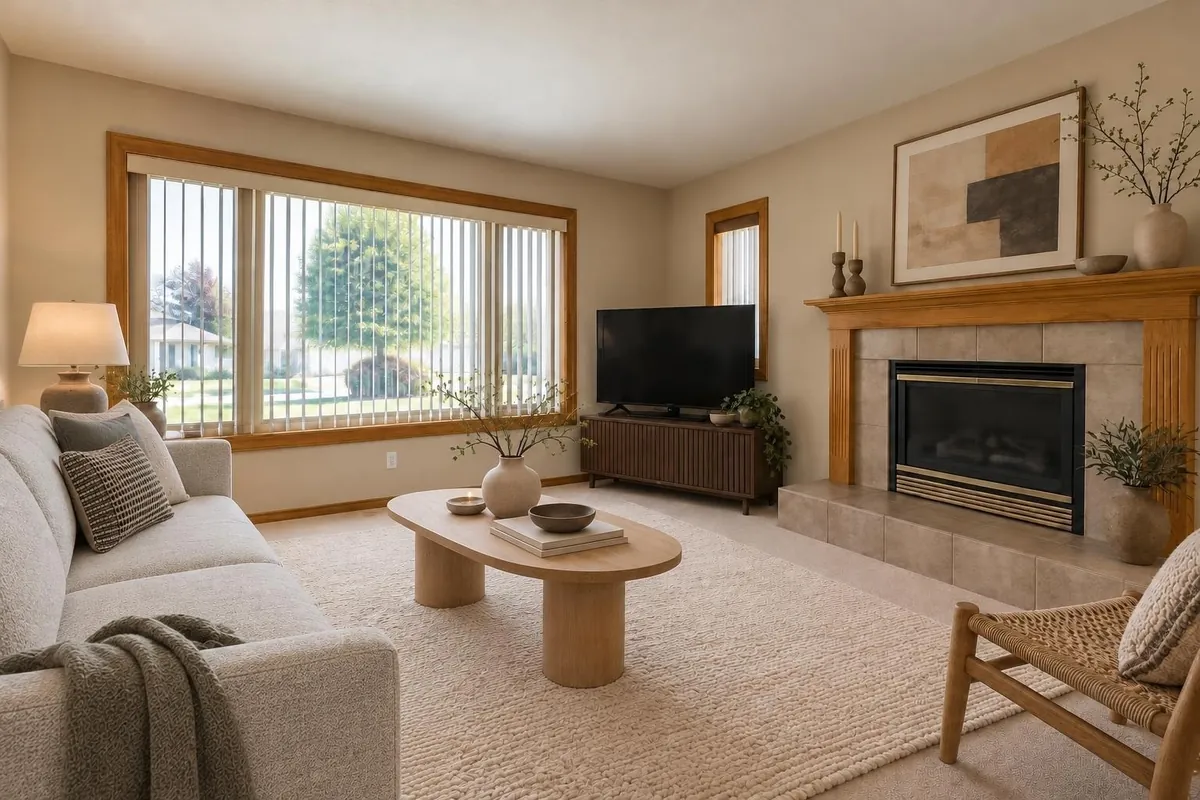
- The renders of each room. On a single-room proposal, the client can mark a favourite view.
- The products, each with its photo, store, size and a link to its page, at the listed price plus your markup.
- The money: the subtotal, your design fee under the name you give it, the total and a bar against the client’s budget.
- The 2D plan of each room drawn to scale, and the material take-off under each room if you choose to show it.
Item-by-item approval on a whole home
A home or commercial project is one proposal for every room, grouped by floor when there’s more than one. The client goes through it on one page:
- Approve or decline each itemA sofa, a light, a placeholder with a target amount. A decline can say why (“too dark for the room”), which you’ll read.
- Watch the total followDeclined items drop out. The total adds the selected items at your prices, a contingency, your design fee and an estimated tax (set by province in Canada), against the whole-home budget.
- Approve the rest in one tapWhatever is still open can be approved at once.
- Accept the proposalThe client accepts the whole proposal with their name, or says what they’d like changed. You’re emailed either way.
A single-room design project has a simpler page: the client picks a favourite view, then approves the design or asks for changes with a note.
Real products, at your prices
- Paste a link from any store: the name, price, size and photo are read from the page.
- From your product library, shared by your team, including whole catalogues imported from a supplier’s store (Shopify, WooCommerce, Magento, or any store whose product pages can be read).
- “Match real products” finds a product for each piece in your newest render at retailers that sell in your country (7 credits; 10 for the deeper search on Studio and Business; 1 in a store you’ve imported).
- Those exact products in the render: tick up to six and “Render with these products” (2 credits) places them in the room from their photos.
Set your markup, design fee, its name and your terms once in your studio settings; every link and PDF uses them. Clients see your price; you also see your cost and margin. Prices are the ones listed when they were read, and the proposal asks the client to confirm them before ordering.
A PDF as well as the link
A single-room design proposal also downloads as a Letter-size PDF, from “Export PDF” in your workspace or “Download PDF” on the client’s link: your logo or name, the renders, the palette, the budget, the product list with photos and links at your prices, the fee, the total and your terms, with pages for the 2D plan and the materials. A whole-home proposal is a link only for now; it has no PDF yet.
After you send it
- Stages: concept, proposal sent, changes requested, approved, ordering, done. Sending the link marks it sent and the client’s answers move it on; you can set any stage yourself.
- Needs you lists new approvals, change requests and proposals with no answer after four days. Opening the link counts as a view, except when you or your team open it.
- Ordering: mark each product ordered (the date is kept). On a home, every item has a status: proposed, approved, ordered, delivered, installed.
- Clients: each has a page with their details, notes, projects and answers. Import clients from a CSV in English or French, and export them.
- From the chat: “Add to a client proposal” sends any image, with the real products in it, to a new or existing project.
Not built yet: purchase orders, invoices, change orders and e-signatures. Accepting with a name records the client’s answer; it isn’t a signed contract.
What it costs
Building a proposal and downloading its PDF are free. Sending the client link needs any purchase, and real products come with every professional plan: Solo is US$29 (CA$39) a month for 100 credits, Studio US$59 (CA$79) for 250, and Business US$149 (CA$199) for 650 credits shared by 5 people, with shared clients, library and studio settings. See all prices.
Questions
Does my client need an account to see the proposal?
No. They open the link, see everything under your studio’s name, and answer there. Opening it counts as a view, and you’re emailed when they approve or ask for changes.
Can clients approve furniture selections one by one?
Yes, on a home or commercial project: they approve or decline each item, with an optional reason, and the total follows. Then they accept the whole proposal with their name.
Is it a client portal?
It’s a private link per proposal rather than a portal with logins. The client sees that project’s renders, products, budget and terms, and answers on the same page.
Can I add my markup and design fee?
Yes. Set a markup on products, a design fee and its name, and your terms in studio settings. Clients see your prices; you see your cost and margin.
Can I send a PDF instead of a link?
For a single-room design project, yes: the same proposal as a Letter-size PDF. A whole-home proposal is a link only for now.
Can I use products from my own suppliers?
Yes. Paste a product link from any store, or import a supplier’s whole catalogue into your library and shop only there with “Match real products”.
Does it do invoices or e-signatures?
Not yet. Proposals, approvals, stages and ordering status are built; purchase orders, invoices, change orders and e-signatures aren’t.